
“It is like having an intelligent digital guardian that protects students, teachers, and the entire school network from harmful content and distractions, while keeping the focus on what truly matters: learning.”Read story
Lumiun DNS helps notary offices reduce phishing, malware, and unwanted website risks, with centralized management and consultative support for browsing controls related to Provision 213/CNJ.
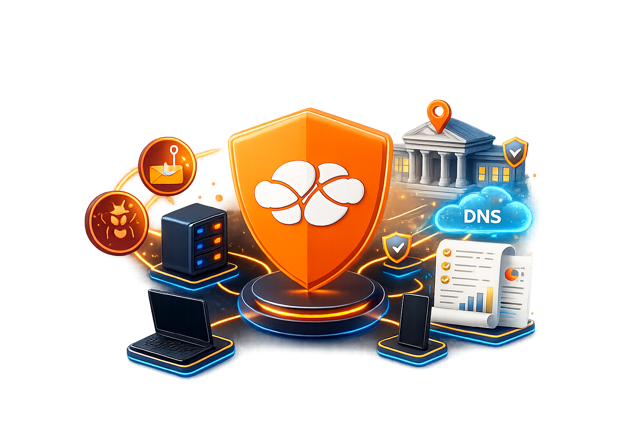
Lumiun DNS is a DNS management and security solution that provides protection against digital threats and optimizes internet usage in corporate and institutional environments.
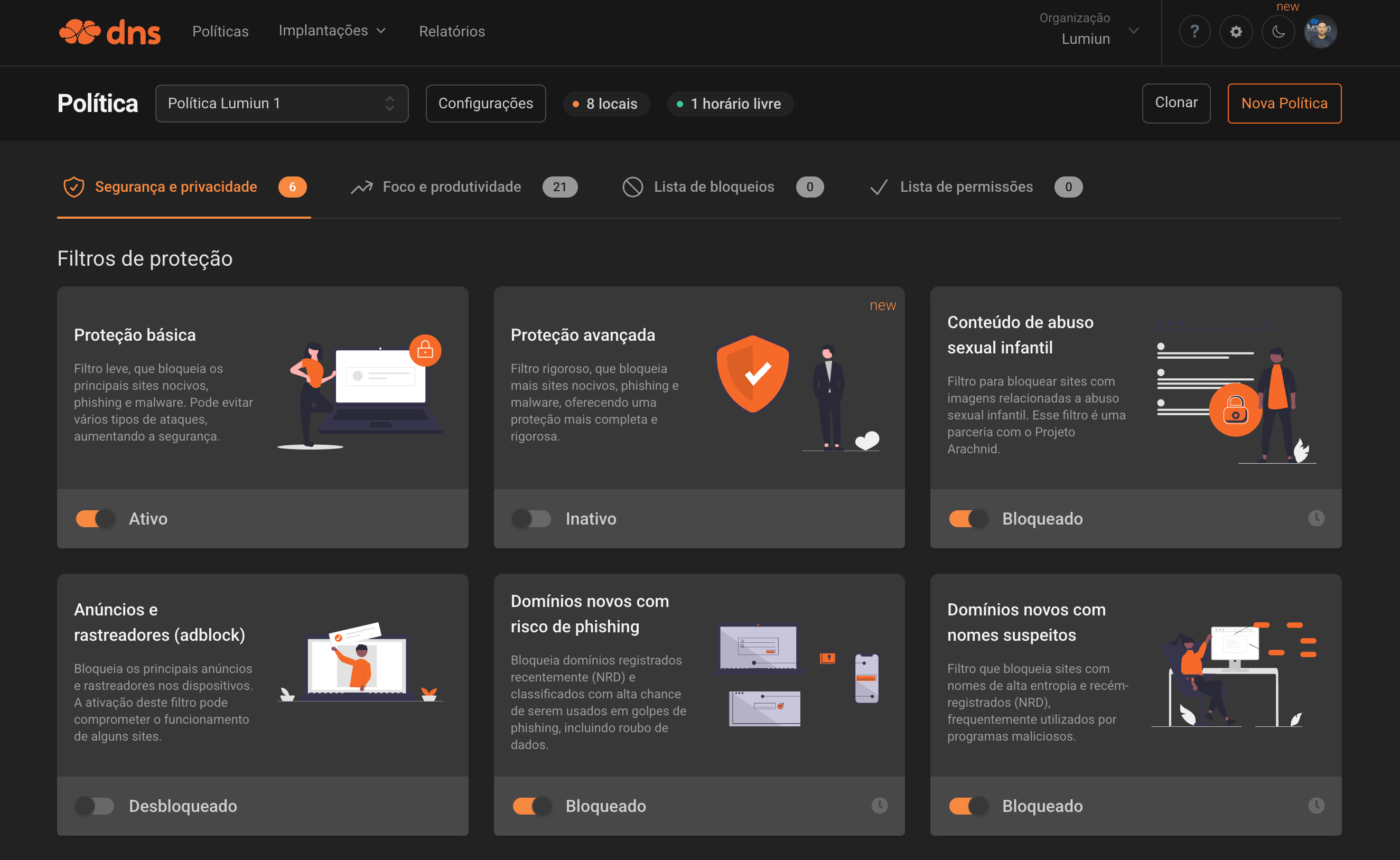
Lumiun DNS supports browsing protection by blocking malicious domains and inappropriate content before access, reducing the chance of incidents and interruptions in the office routine.
The solution also helps organize rules by usage context, making it easier to separate front desk, administrative areas, shared computers, and technical support access.
Reduce the office's exposure to phishing, malware, and unwanted destinations before the access loads.
Apply different policies by unit, department, shift, or usage profile without relying on manual site-by-site blocks.
Organize sites, policies, devices, and reports in a single, easy-to-use dashboard.
Make it easier for IT, support, and partners who need to standardize and monitor access policies.
Industry pain points
A notary office routine requires security, predictability, and clear internet access rules. Lumiun DNS helps reduce browsing risks, block known threats, and apply different policies for front desk, administrative, IT, and other areas of the office.

Phishing links can imitate banks, emails, public services, or systems used in the notary office routine. Lumiun DNS helps block malicious domains before access proceeds.
Workstations used by front desk, administrative, and internal areas need different rules. With browsing policies, the notary office defines what can and cannot be accessed in each environment.
Games, gambling, adult content, social networks, and other inappropriate sites can compromise productivity and security. Lumiun DNS allows website categories to be blocked simply.
Without reports, it is hard to understand what is being accessed on the network. Lumiun DNS provides visibility into domains, allowed accesses, and blocks to support policy adjustments.
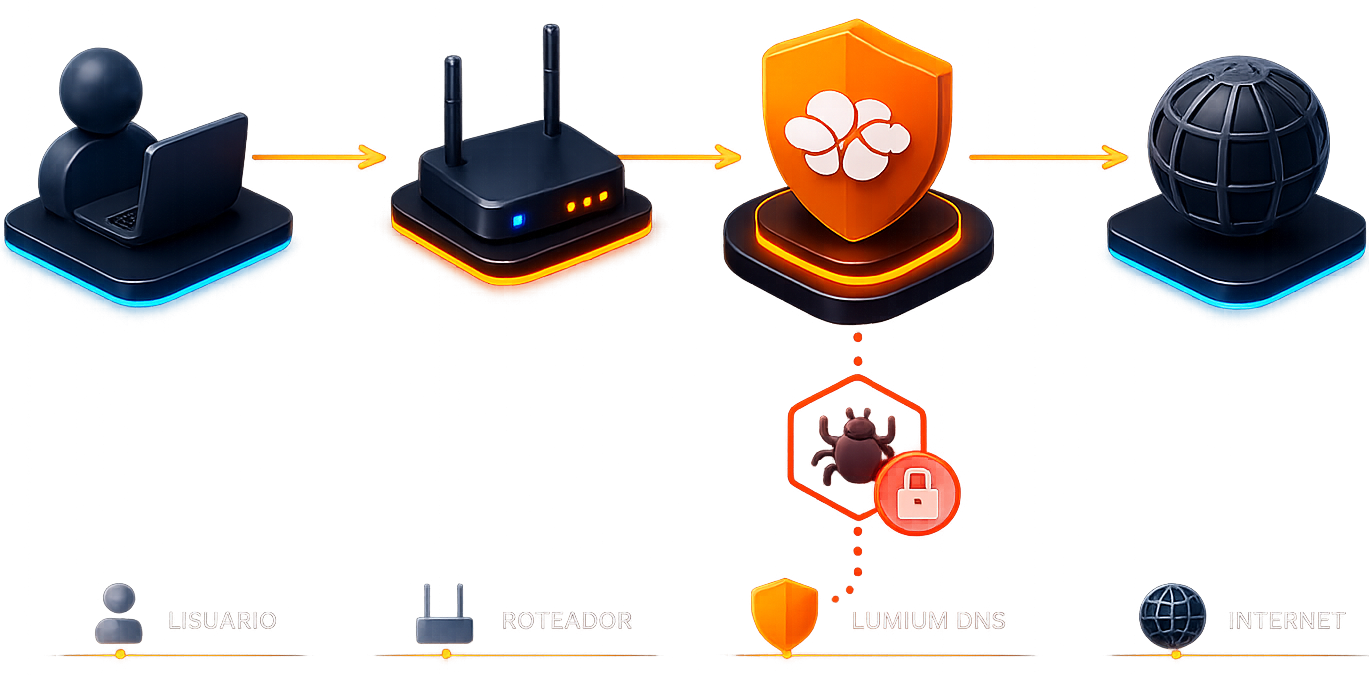
The office network or devices start querying Lumiun DNS. When a domain is requested, the configured policy decides whether access can continue or must be blocked.
Provision 213/CNJ
Lumiun DNS does not replace legal or regulatory analysis. The goal here is to support browsing organization, blocking unwanted destinations, and applying consistent policies that help support controls related to Provision 213/CNJ.
Use blocklists and allowlists to standardize access.
Apply rules by unit, team, or device according to the office routine.
Keep logs and reports for operational monitoring.

Features
The page highlights the features that make the most sense for this segment: granular control, browsing blocks, and operational visibility.
Create different policies for the office's sectors and usage environments.
Block or allow specific domains according to operational needs.
Track access attempts, blocks, and important events in a central dashboard.
Standardize delivery and make policy maintenance easier in notary offices served by partners.
Practical use
Reduce distractions and block unsafe destinations on shared workstations or public access points.
Apply stricter lists and policies to protect operations and maintain predictability.
Allow MSPs or IT providers to monitor policies without losing the central network view.
Free guide for notary offices
Download Lumiun's practical guide and understand how to organize technology, security, evidence, and safe browsing according to the new minimum ICT standards for notary offices.

Notary offices
Below are concise answers to the most common questions about using Lumiun DNS in notary offices and registry services.
No. Lumiun DNS complements other security layers by blocking access to dangerous domains at the DNS resolution stage.
Yes. You can organize policies by usage context, separating areas, shifts, shared workstations, and access profiles.
It can support the application of browsing controls and rule standardization, but it does not replace legal guidance or regulatory validation.
Not necessarily. Lumiun DNS can be applied on the network, on devices, or in scenarios compatible with the current operation.
Yes. Allowlists let you grant exceptions needed for the office routine without weakening the overall policy.
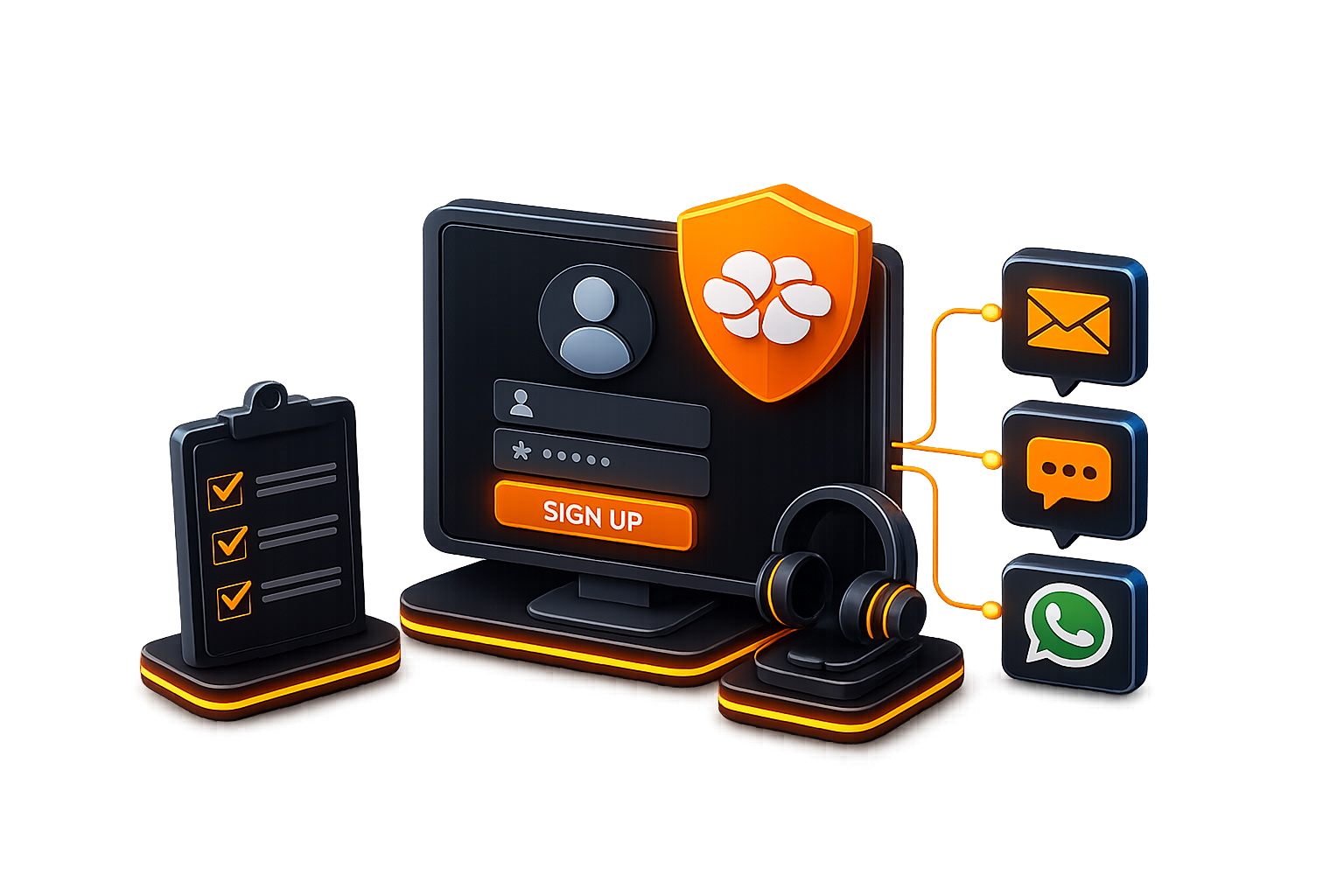
Sign up for an account and get support from our analysts via email, chat, or WhatsApp for configuration and monitoring.
No credit card required
“It is like having an intelligent digital guardian that protects students, teachers, and the entire school network from harmful content and distractions, while keeping the focus on what truly matters: learning.”Read story
“The simplicity and effectiveness of Lumiun DNS transformed our approach to security and access control in schools.”Read story