
“It is like having an intelligent digital guardian that protects students, teachers, and the entire school network from harmful content and distractions, while keeping the focus on what truly matters: learning.”Read story
Control internet access at your institution with DNS filtering, inappropriate content blocking, protection against malicious websites, and easy-to-manage browsing policies.
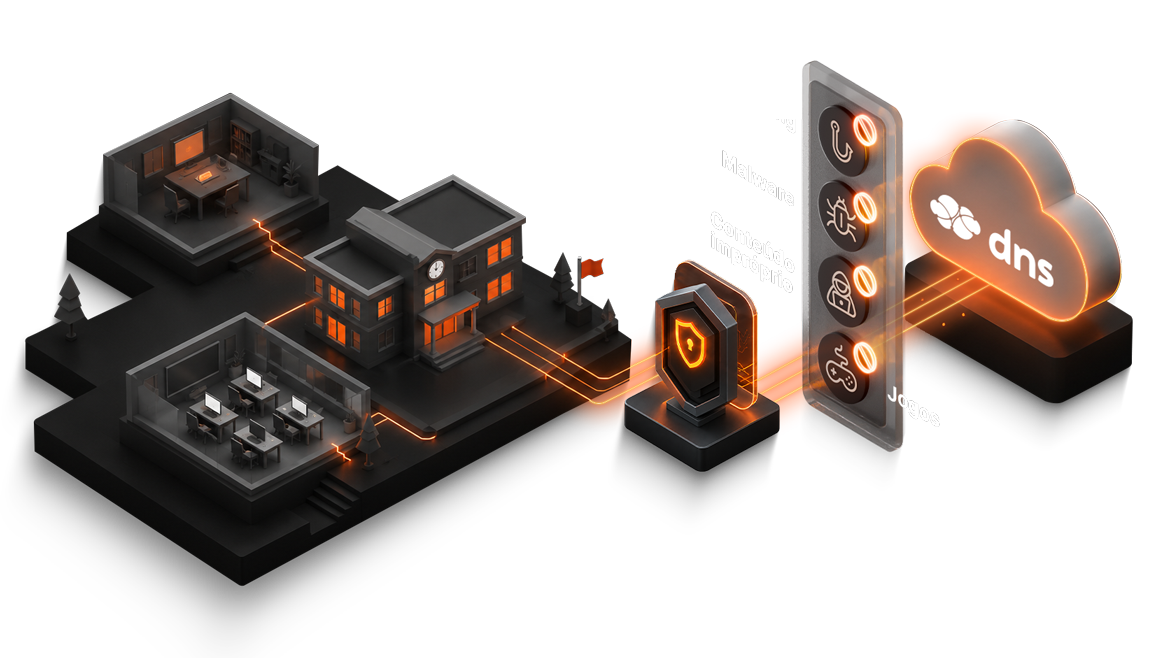
Schools need to allow research, educational platforms, and administrative tasks while reducing exposure to inappropriate content, games, scams, and malicious domains.

Reduce access to adult content, betting, games, violence, and other categories inappropriate for the school environment.
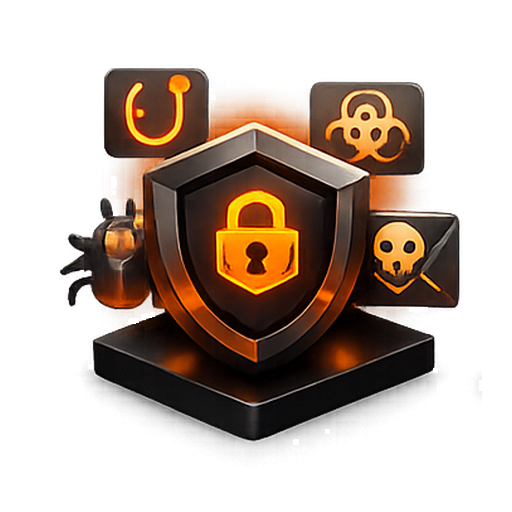
Help block phishing, malware, ransomware, and suspicious domains before access proceeds.
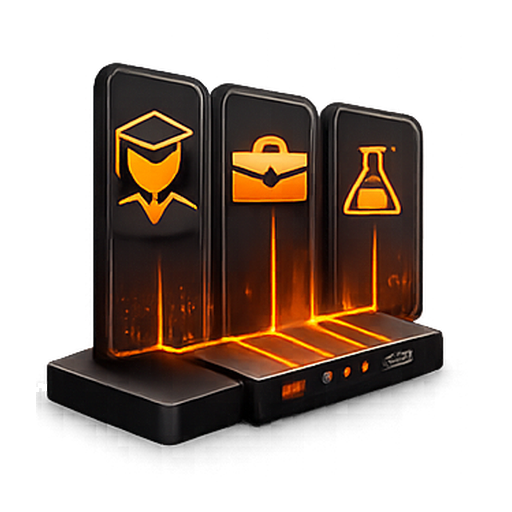
Apply different rules for students, teachers, administration, labs, and visitors.
Organize blocks, permissions, and exceptions in a single dashboard without relying on manual adjustments on each device.
Lumiun DNS checks the requested domain before the website loads and applies the institution's policies, with centralized management and browsing reports.
The solution operates at the DNS layer and checks the requested domain before the page opens.
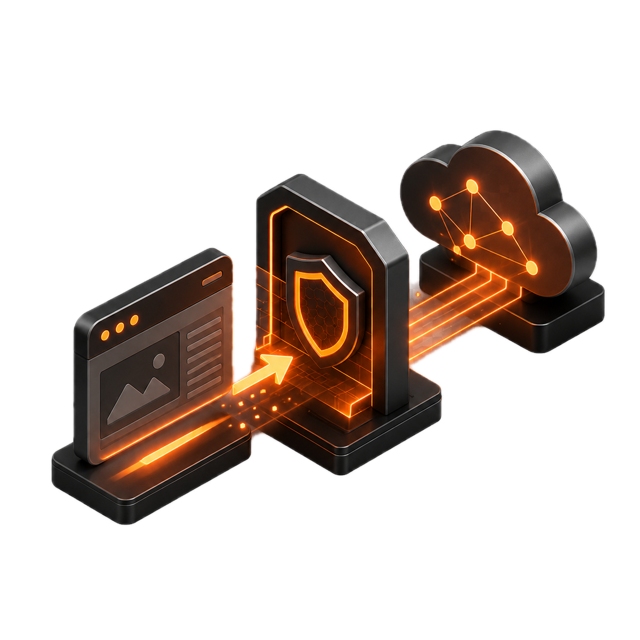
Create rules for inappropriate content, games, betting, streaming, proxies, and other groups defined by the institution.

Apply SafeSearch on supported search engines and reduce exposure to inappropriate videos and results.

Separate rules for students, teachers, administrative staff, labs, and guest Wi-Fi.
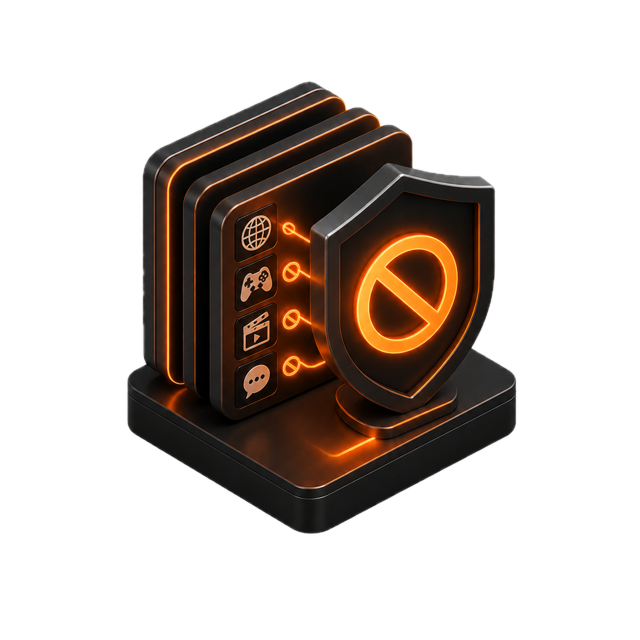
Track access, blocks, and categories to review rules and understand internet usage.
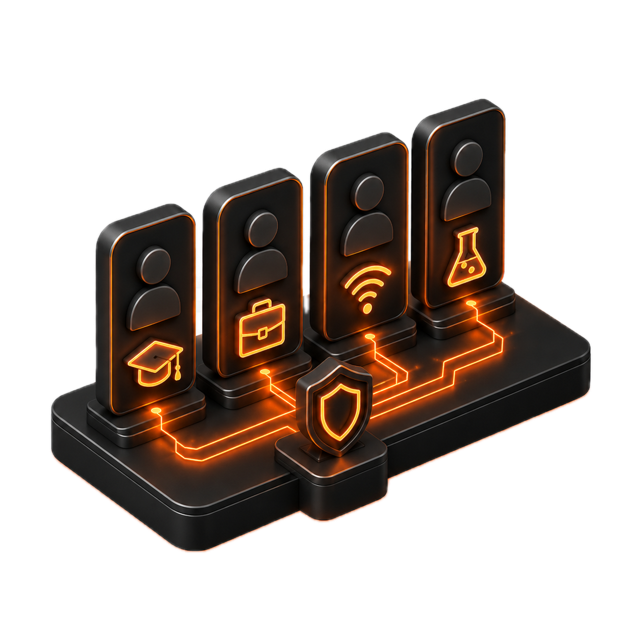
Manage policies and settings from anywhere, with simpler operations for the IT team.
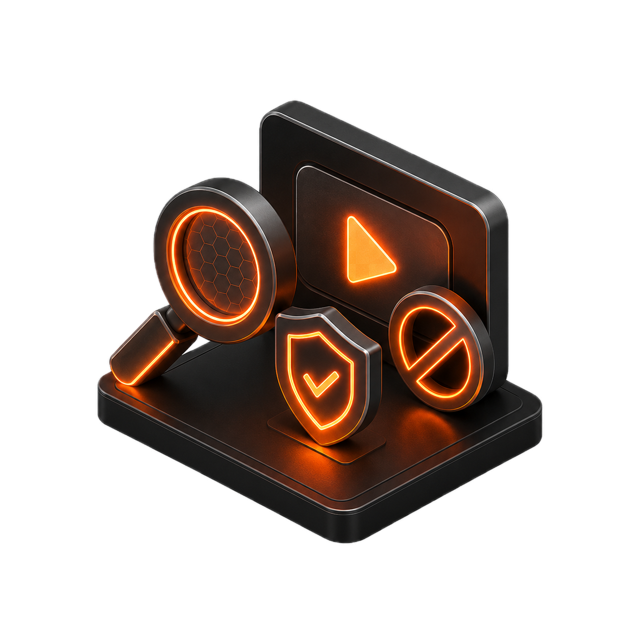
Lumiun DNS is a DNS management and security solution that provides protection against digital threats and optimizes internet usage in corporate and institutional environments.
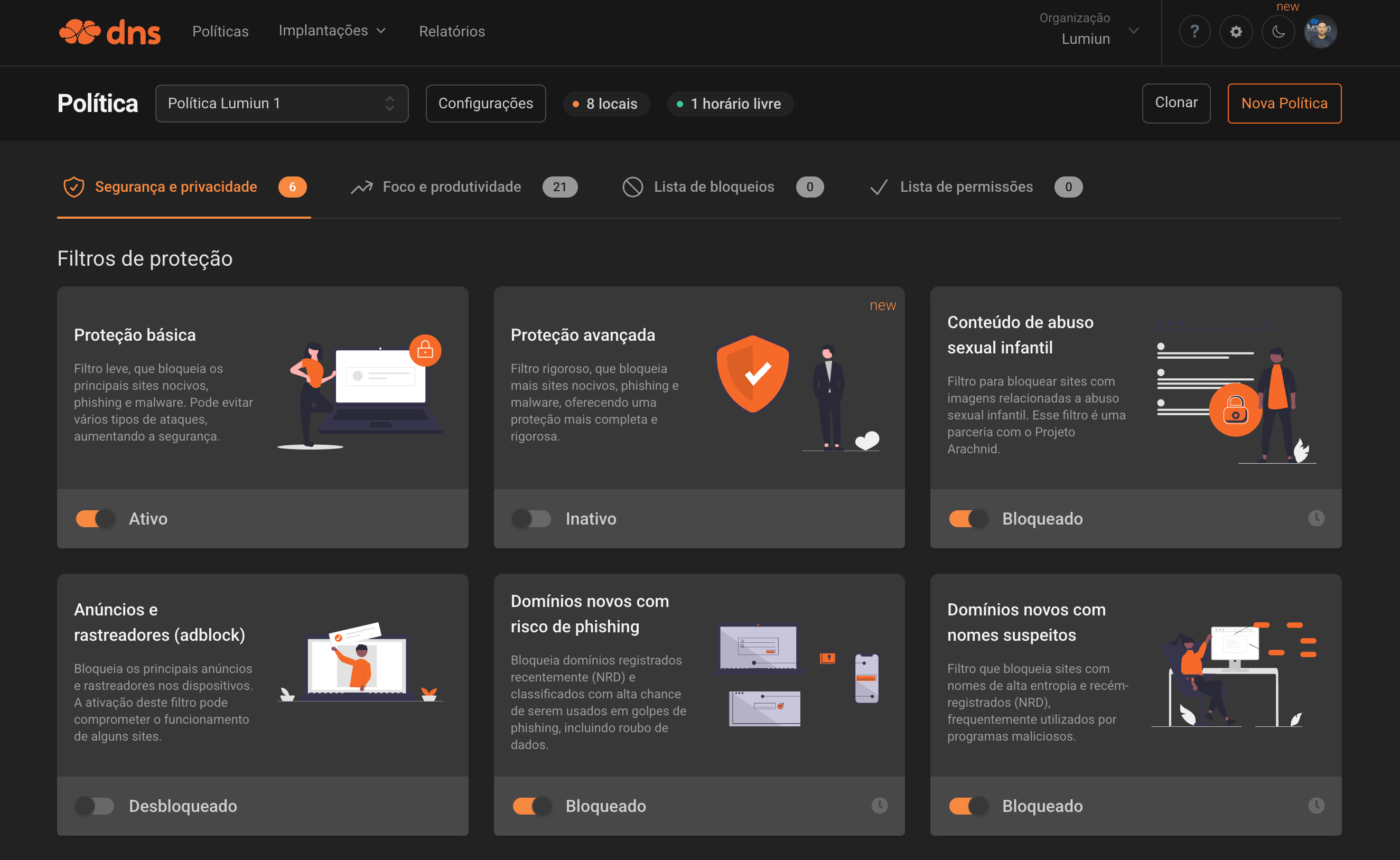
Policies can vary by environment, group, and purpose. The key is to keep control simple, predictable, and easy to review.
| Environment | Application | Goal |
|---|---|---|
| Students | Block adult content, betting, games, malicious websites, and unprotected searches. | Reduce distractions and exposure to risks. |
| Teachers | Allow educational tools while maintaining protection against phishing and malware. | Balance education and security. |
| Administration | Maintain protection against threats and create exceptions for systems used by staff. | Protect administrative operations. |
| Lab | Use stricter rules during classes, supervised research, or assessments. | Support activities with greater control. |
| Visitors | Create a limited guest Wi-Fi policy focused on security and simplicity. | Separate the network used by people outside the institution. |
Use features directly related to browsing control and management of daily school operations.
Further reading
Educational institutions need to adopt practical measures to make the digital environment safer and more appropriate for students.
A browsing filter does not replace educational guidance, internal policies, or human supervision, but it helps enforce technical internet access rules and reduce exposure to inappropriate content and malicious websites.
FAQ
Concise answers to common questions from school administrators, IT coordinators, and teams responsible for browsing.
It is a way to control which websites and categories can be accessed on the school network, helping balance access, security, and focus.
It applies browsing policies at the DNS layer, helps block malicious domains, and reduces access to content inappropriate for the school environment.
Yes. The school can block categories associated with adult content, betting, violence, and other groups that do not align with its internal policy.
Yes. You can block online games and other categories that cause distraction or are not part of the institution's permitted use.
Yes. You can apply different policies by group, location, device, or usage profile.
No. Lumiun DNS operates at the DNS layer and complements other security layers; it does not replace antivirus, firewalls, EDR, or training.
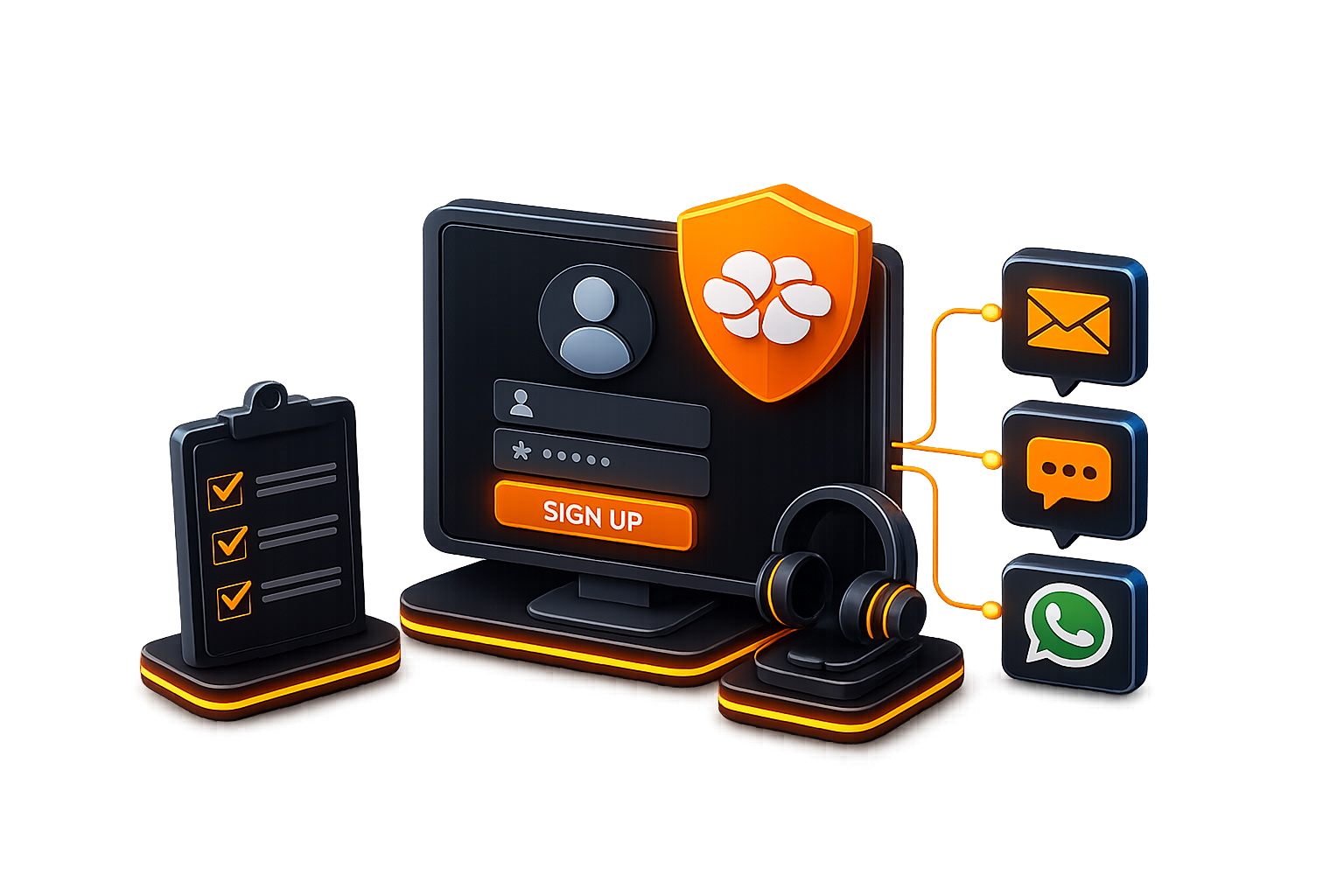
Sign up for an account and get support from our analysts via email, chat, or WhatsApp for configuration and monitoring.
No credit card required
“It is like having an intelligent digital guardian that protects students, teachers, and the entire school network from harmful content and distractions, while keeping the focus on what truly matters: learning.”Read story
“The simplicity and effectiveness of Lumiun DNS transformed our approach to security and access control in schools.”Read story