
“It is like having an intelligent digital guardian that protects students, teachers, and the entire school network from harmful content and distractions, while keeping the focus on what truly matters: learning.”Read story
Protect employees from malicious websites, block unwanted categories, and apply browsing policies for different departments, branches, and devices with simple, centralized management.
No credit card required.

The SMB challenge
Websites, cloud systems, email, and online tools are part of daily work at any small or medium-sized business. At the same time, every access can expose users to scams, fake pages, malware, or content that does not belong in the workplace. For SMBs with lean IT teams, the challenge is increasing protection and controlling access without adopting a tool that is difficult to install or maintain.

Security and control
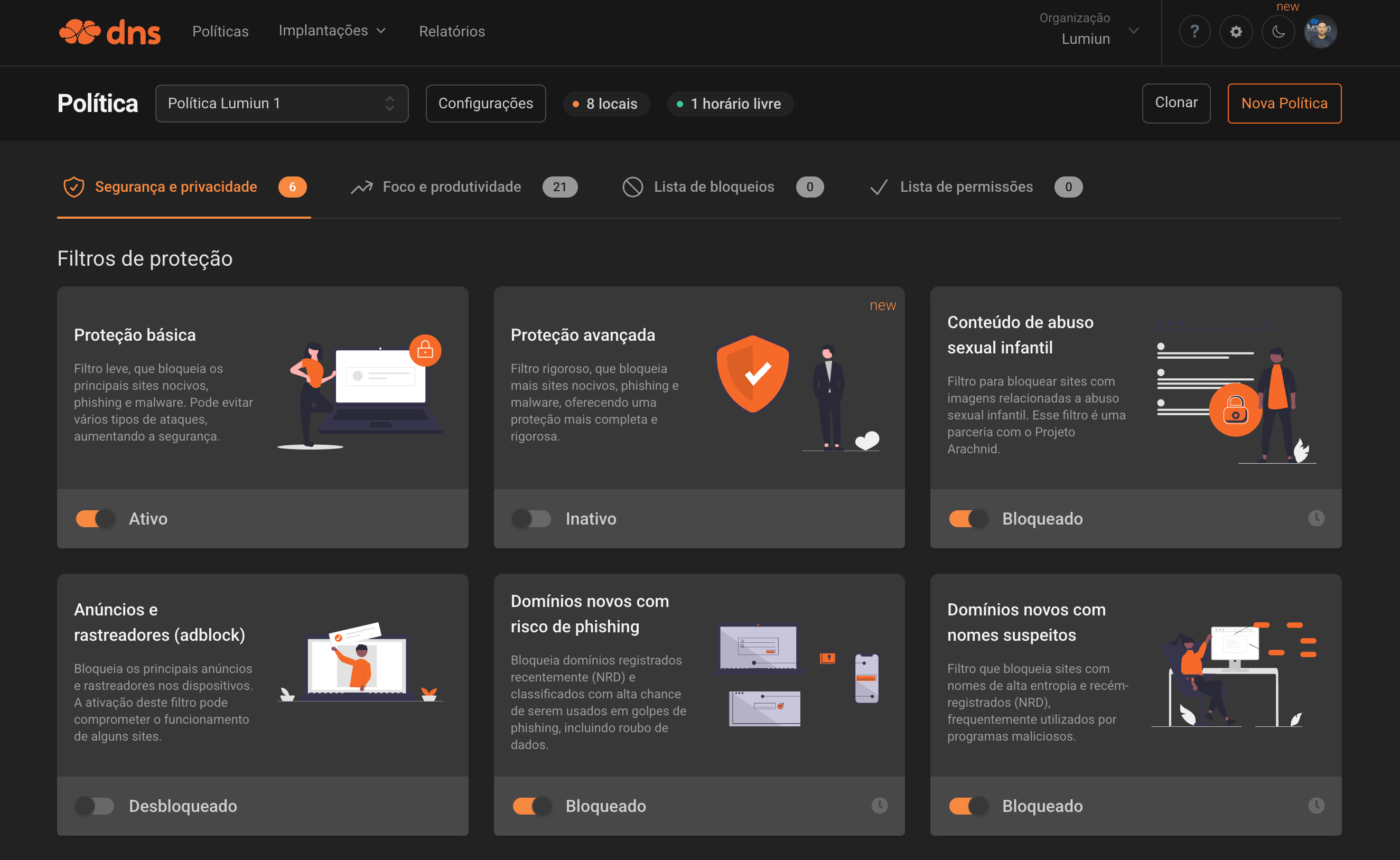
Lumiun DNS checks the requested domain before the website loads. Based on the policies defined by your company, access can be allowed or blocked for security, category, application, or custom-rule reasons.
Lumiun DNS is a DNS management and security solution that provides protection against digital threats and optimizes internet usage in corporate and institutional environments.
Features
Combine security, control, and visibility features to adapt browsing to your company's routine while keeping management centralized and simpler for the team.
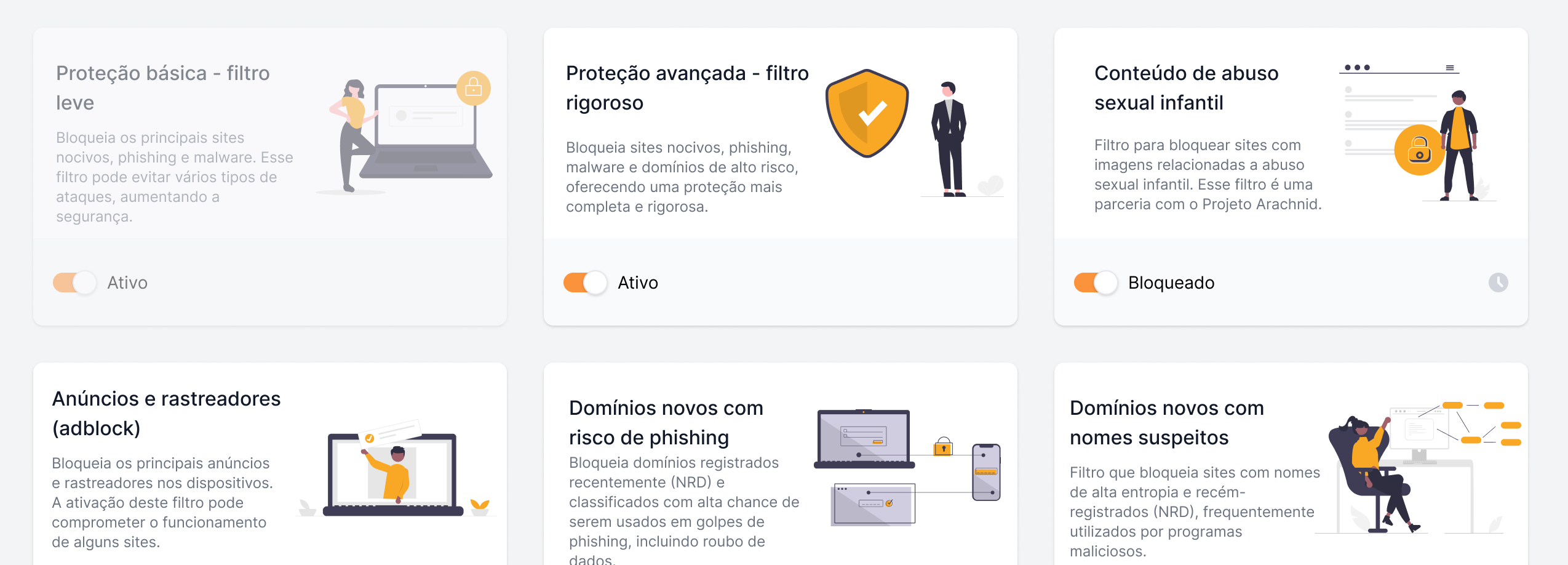
Help reduce exposure to domains associated with phishing, malware, and ransomware before access proceeds.
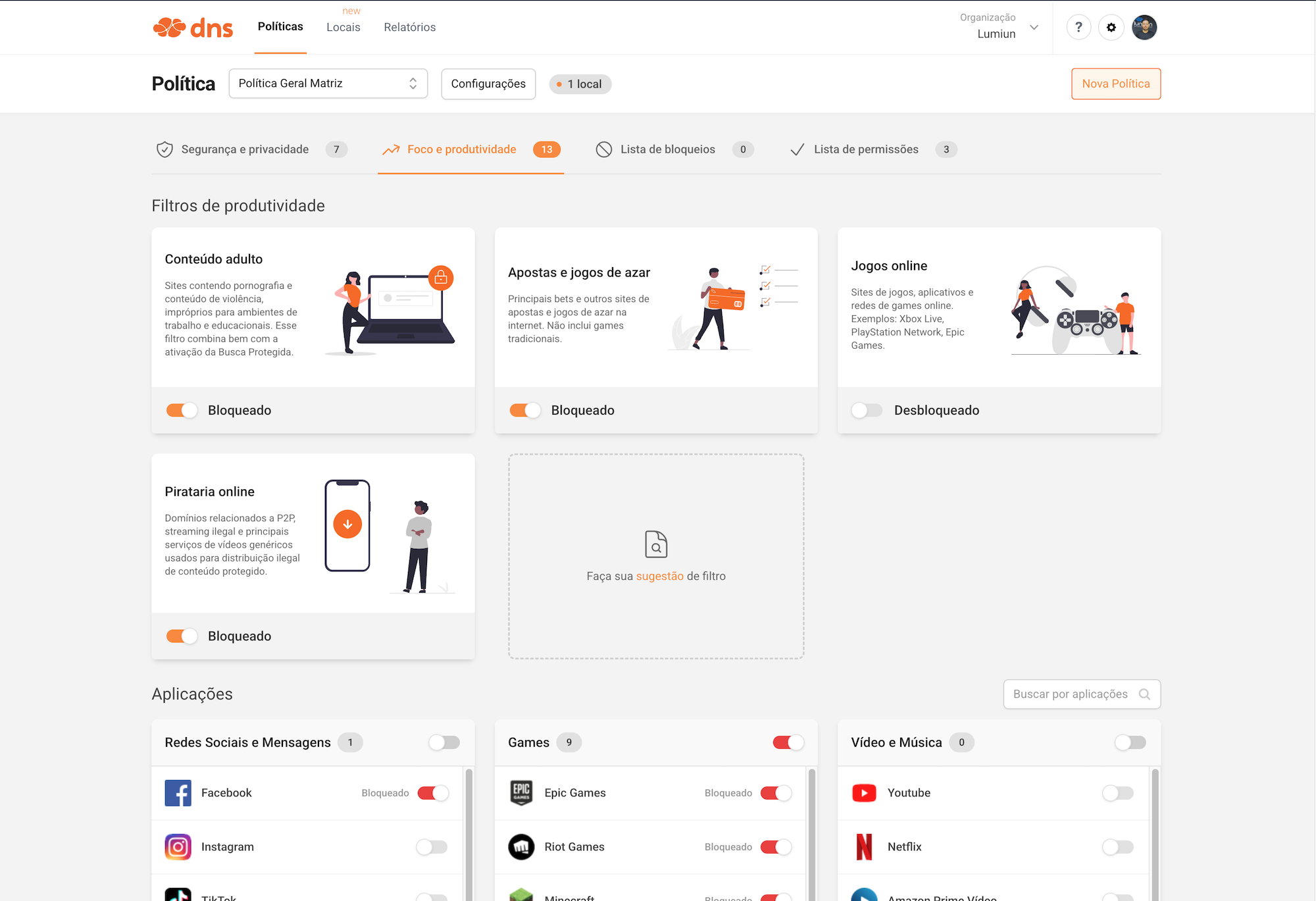
Adapt permissions and blocks according to usage profile, schedule, and categories that make sense for your business.
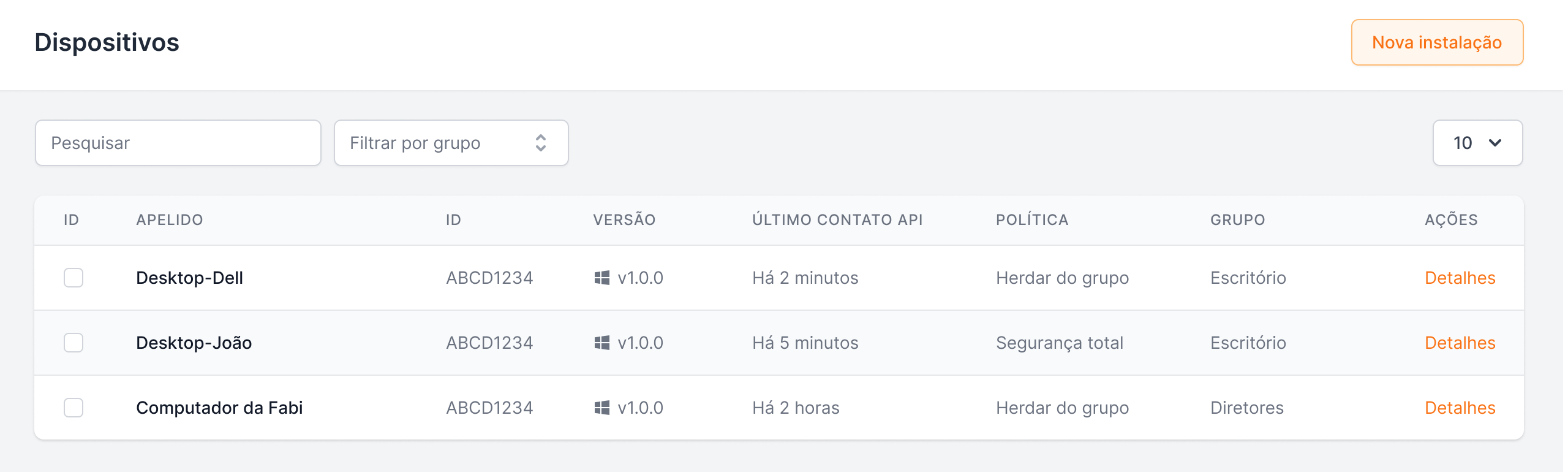
Organize policies by headquarters, branches, networks, groups, and devices, including Windows laptops outside the corporate network.
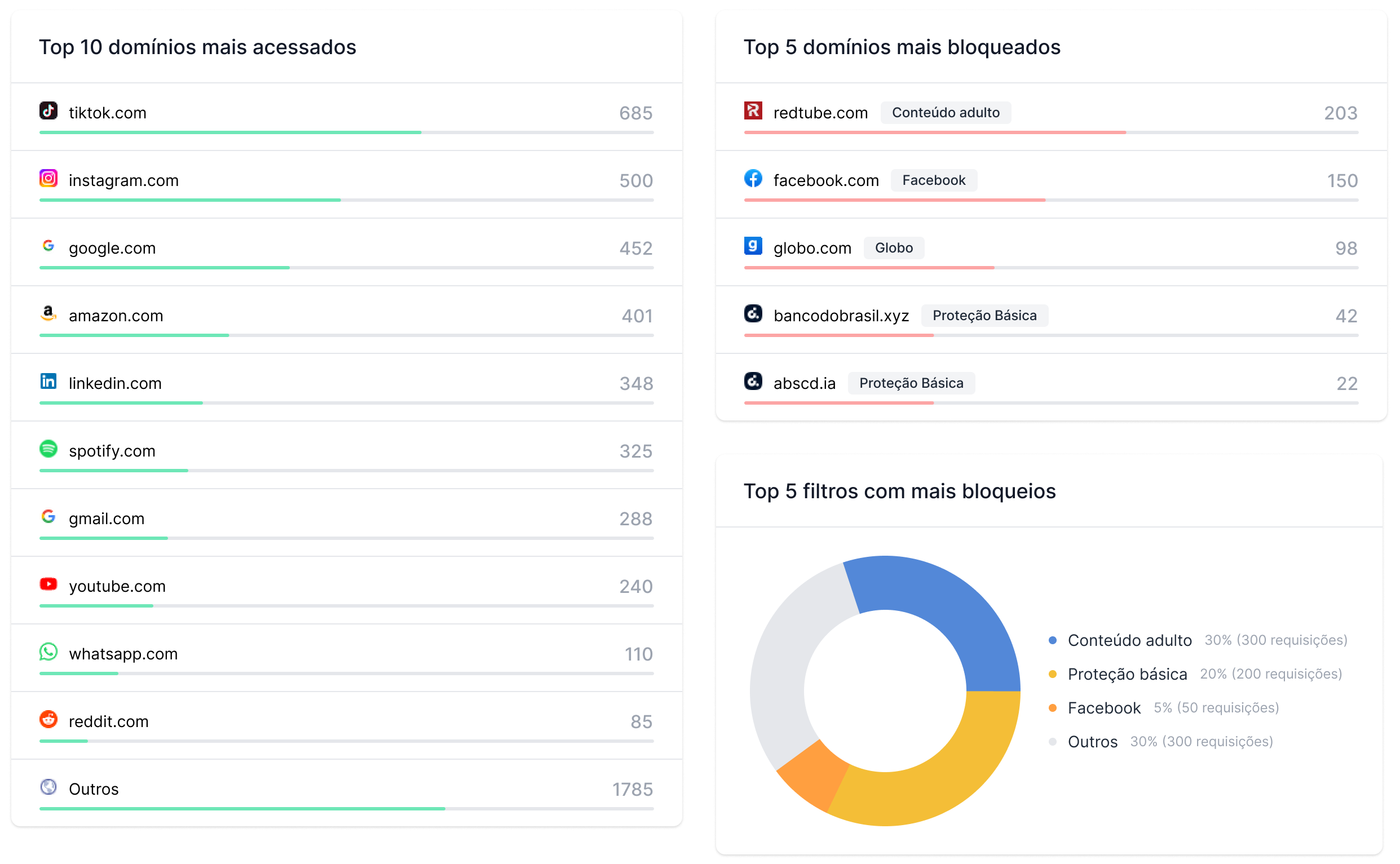
Track access, blocks, and browsing patterns to review policies with more context.
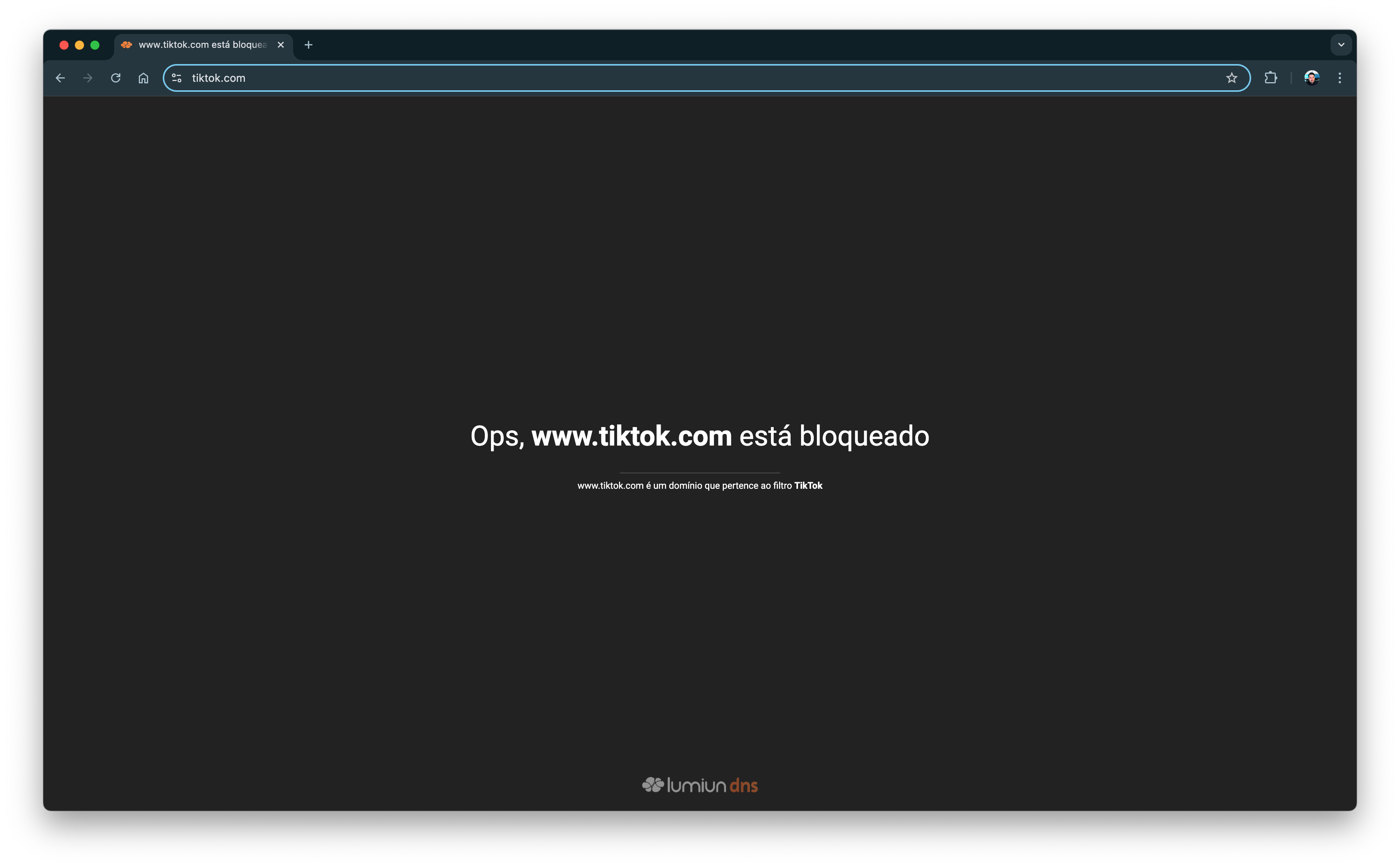
Keep settings together in a cloud dashboard and provide users with a clear block page.
Balanced control
The goal of a browsing policy should not be to follow every employee action. The focus should be on reducing risks, preventing inappropriate access, and making clear how the internet can be used in the workplace.
With rules proportional to the company's routine, you can maintain protection against malicious websites for everyone while allowing specific tools for the departments that truly need them.
Reports should be used for management, diagnostics, and policy improvement, not to automatically interpret each user's intent.

Reduce risks
Prevent dangerous and inappropriate access without turning the browsing policy into excessive monitoring.
Apply proportional rules
Keep protection in place for everyone while allowing specific tools for departments that truly need them.
Use reports for diagnostics
Analyze data for management and policy improvement without automatically interpreting each user's intent.
Branches and remote work
An SMB may have more than one location, corporate laptops outside the main network, or teams working in a hybrid model. Lumiun DNS lets you organize policies by location, group, and device, helping maintain more consistent rules across different environments.
For Windows devices outside the corporate network, ActiveNet helps keep browsing and DNS security policies active in situations such as working from home, travel, and remote work.
FAQ
Direct answers to common questions from managers, operations leaders, and IT teams.
It is a solution that helps small and medium-sized businesses control which websites, categories, and services can be accessed. It can also add a layer of protection against phishing, malware, and other malicious domains.
When a user tries to access a website, Lumiun DNS checks the requested domain. Depending on the configured policy, access can be allowed or blocked before the page loads.
Yes. Your company can block categories and applications that are not part of the work routine. You can also create exceptions for departments that need access to specific services.
Yes. Policies can be organized by location, group, or device, allowing different rules for finance, sales, marketing, IT, visitors, and other profiles.
Lumiun DNS helps reduce exposure to phishing pages by blocking domains associated with known threats before access proceeds. It should be used as part of a layered security strategy.
No. Lumiun DNS operates at the DNS layer and complements antivirus, firewalls, EDR, user training, and other security measures.
No. Reports work with DNS requests, allowed access, blocks, domains, locations, and devices. Their purpose is to provide visibility for policy management and diagnostics, not to inspect all accessed content.
Yes. Your company can organize different locations and apply specific or standardized policies for headquarters, branches, guest networks, and other environments.
ActiveNet helps apply policies to individual Windows devices, including when they are outside the corporate network. Proper installation and configuration are required to keep the device linked to the organization.
No. Lumiun DNS was designed to simplify policy enforcement and centralize management. Deployment complexity can vary according to your network structure and the devices in use.
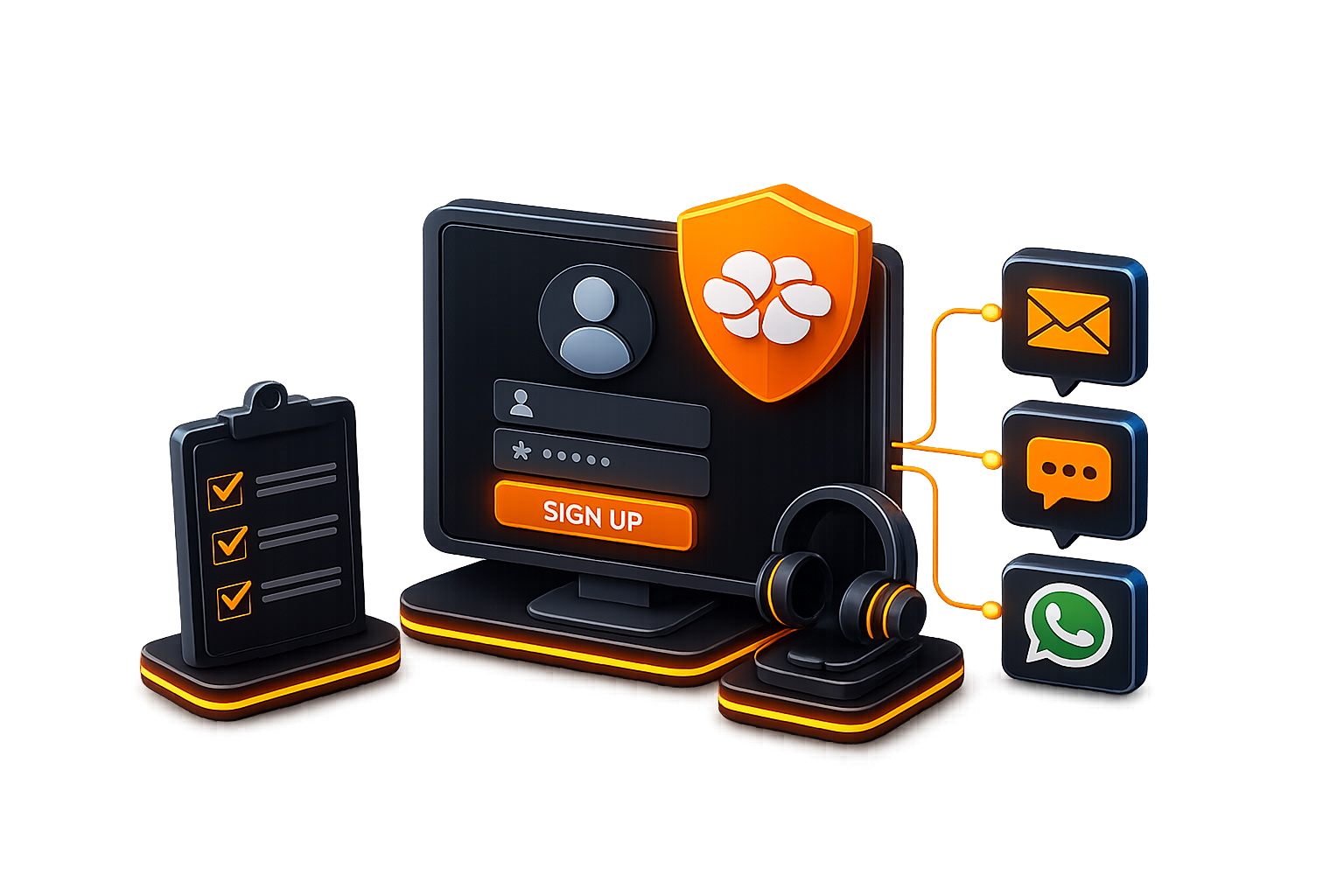
Sign up for an account and get support from our analysts via email, chat, or WhatsApp for configuration and monitoring.
No credit card required
“It is like having an intelligent digital guardian that protects students, teachers, and the entire school network from harmful content and distractions, while keeping the focus on what truly matters: learning.”Read story
“The simplicity and effectiveness of Lumiun DNS transformed our approach to security and access control in schools.”Read story