

DNS server
For teams that want to add a DNS security layer to the network, block malicious domains, and centralize policies without relying only on the router or firewall.
Block dangerous, unproductive, or inappropriate sites in minutes without swapping hardware. Keep office computers secure and focused with centralized control the owner or IT lead configures easily on routers, firewalls, servers, or agents.
Lumiun DNS is a DNS management and security solution that provides protection against digital threats and optimizes internet usage in corporate and institutional environments.
Blocking websites with Lumiun DNS means preventing access on office computers to specific pages or entire categories of content, such as pornography, games, social networks, scams, gambling, malware, and much more.
All this happens before the device even reaches the site, delivering fast blocks that are hard for employees to bypass and consistent across every office.
How it works in short:
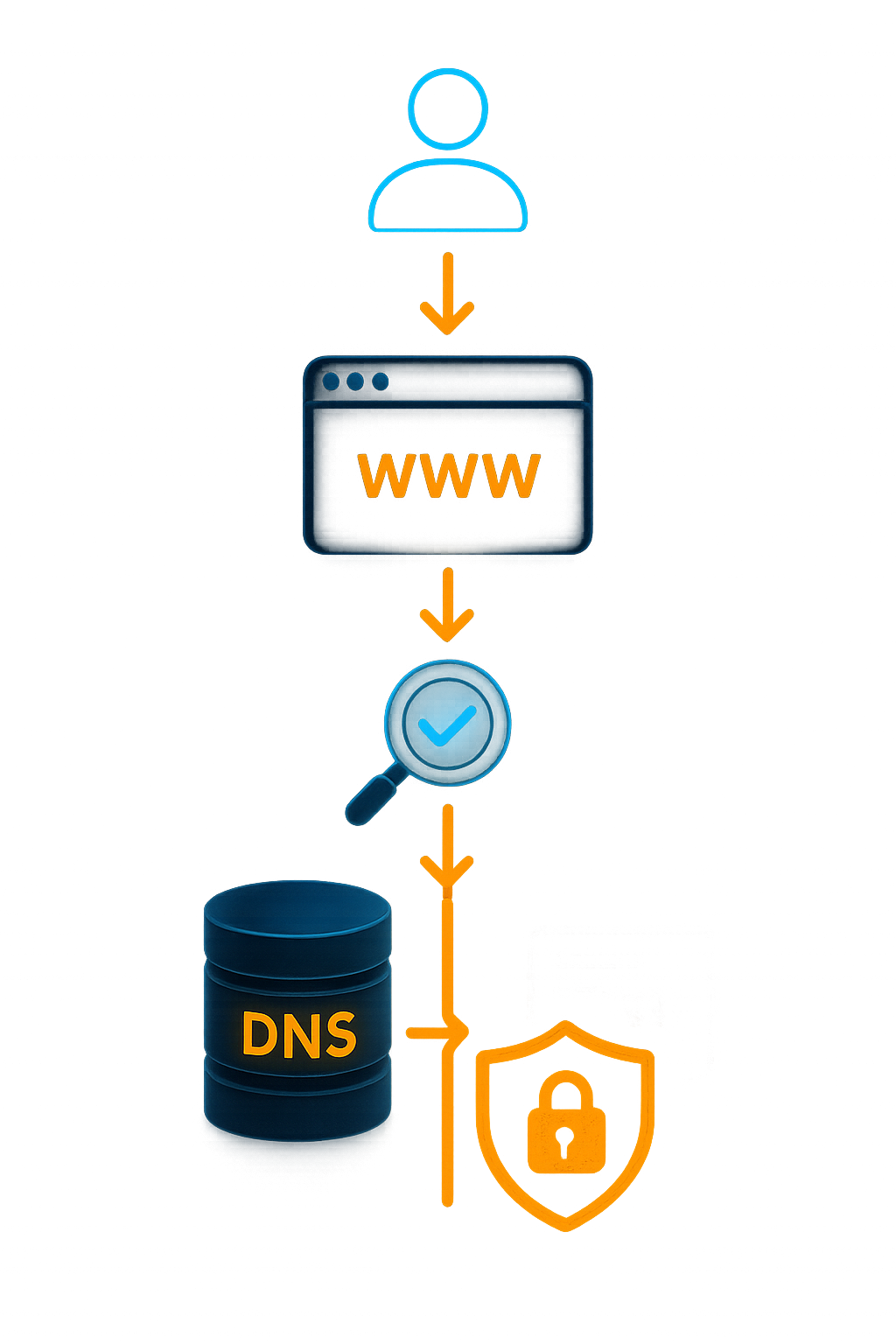
How does website blocking work in Lumiun DNS?
To block websites with Lumiun DNS, you point your network to Lumiun DNS using the best integration for you (routers, firewalls, servers, agents, or directly on devices). From there, every request from office computers goes through Lumiun filters, which identify and block prohibited domains according to your security and productivity policies.
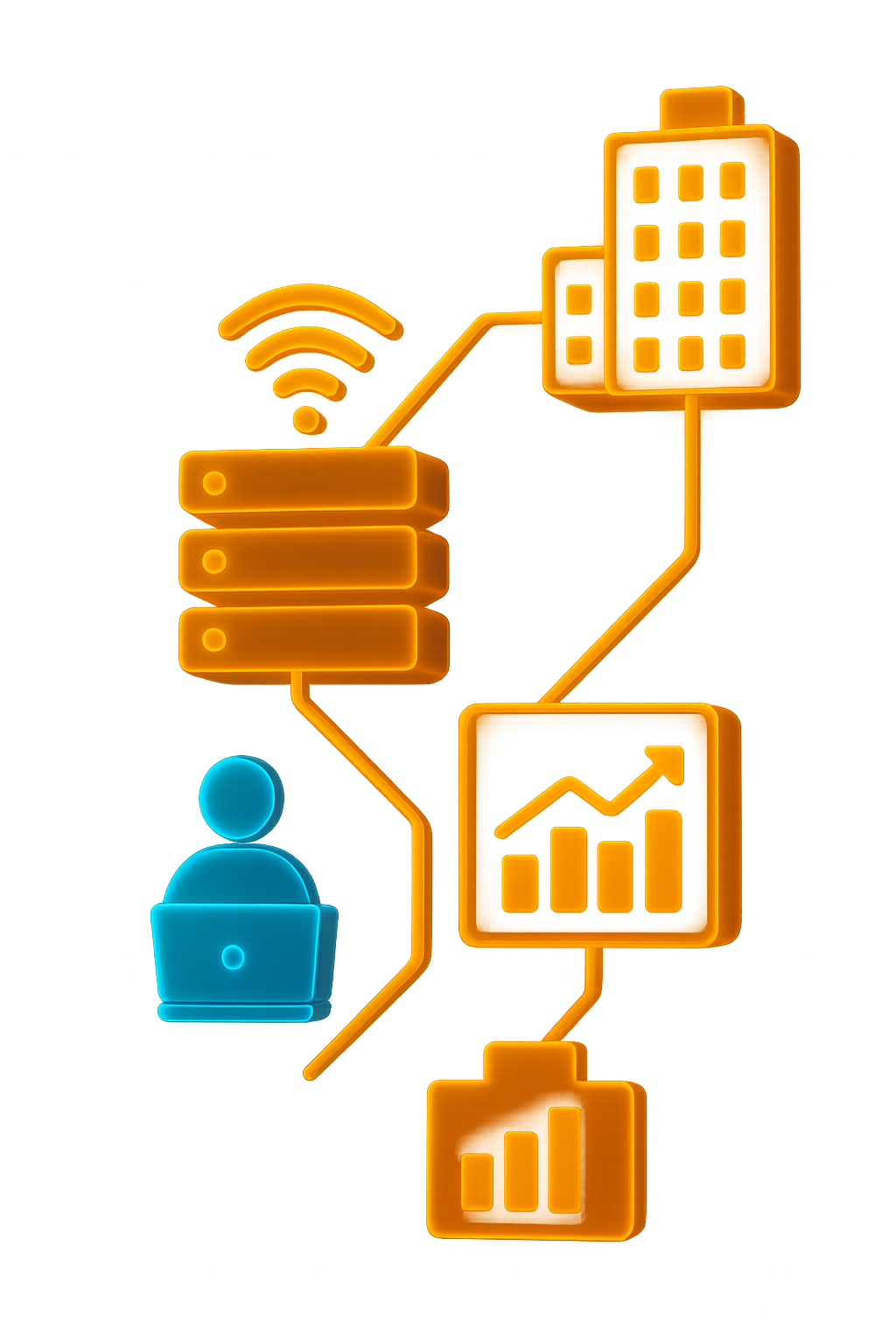
Flexible enforcement:








Block websites
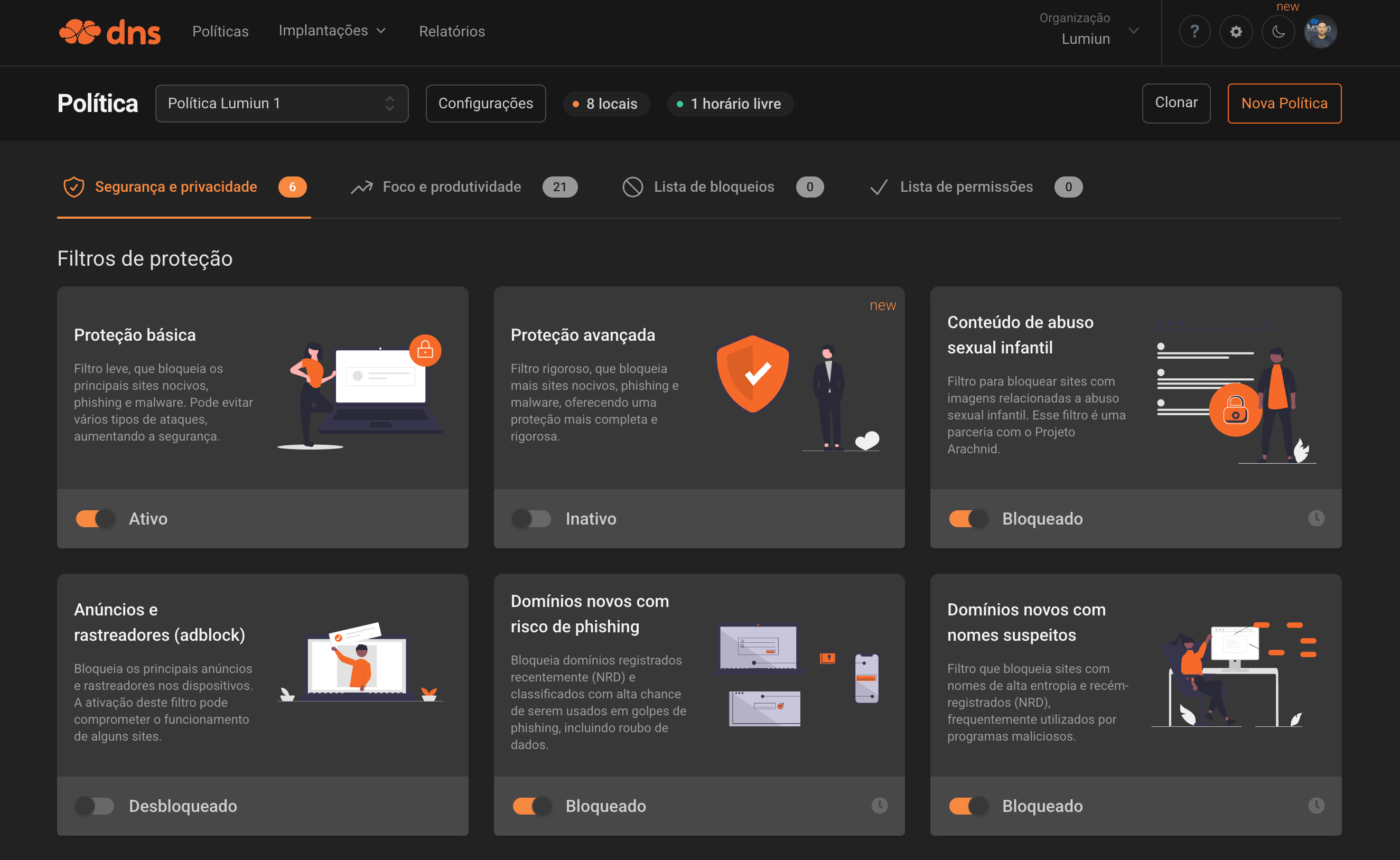
See the available filters grouped by security, productivity, and custom rules, the same ones used in the site's security and productivity sections.
Security
Advanced filters to protect the network.
Blocks harmful sites, phishing, and malware. This filter prevents various types of attacks, increasing security.
Blocks sites containing videos or images of child sexual abuse. This filter is in partnership with the Arachnid Project.
Bloqueia os principais anúncios e rastreadores nos dispositivos. A ativação deste filtro pode comprometer o funcionamento de alguns sites.
Domains frequently involved in unauthorized use of devices for cryptocurrency mining.
Blocks recently registered domains (NRD) and classified with high chance of being used in phishing scams, including data theft.
Filters sites with high entropy names and newly registered domains (NRD), often used by malicious programs.
Domains that are no longer controlled by the original owner or are for sale. The content of these sites may be misleading to non-technical users.
Blocks access to generative AI services that may pose risks of data leakage or misuse. Manually allow the services you want on your allowlist.


Enable SafeSearch on Google, Bing, and YouTube to keep adult content out of your search results.
Productivity and focus
Blocks aimed at distractions and legal risks.
Social networks, messaging, games, video, music, shopping, news, sports, entertainment, and technology.
With a simple click, you can block adult content sites such as pornography and violence.
Blocks gambling and gaming websites, preventing potentially harmful and unregulated activities on your network.
Blocks websites, P2P protocols, streaming sites, and generic video hosting services used for illegal distribution of copyrighted content.
Free choice and controls
Customize blocks by lists and schedules.
Inclua domínios específicos ou importe uma lista completa para bloquear o que a equipe solicitar.
Allows exceptions by time or day of the week for specific sites, apps, or games.
Need something different?
Add any domain manually, import ready-made lists, and combine exceptions by group or device.
Block websites
Protects against threats and scams targeting employees, avoiding infections, data leaks, and unauthorized access.
A single dashboard to apply policies and exceptions across every office, working the same via routers, firewalls, servers, or agents.
Blocking social networks, streaming, and games cuts useless traffic and keeps meetings and corporate systems stable.
Repeat policies in branches, save profiles, and apply them in minutes whenever you open a new site.
Block inappropriate content and keep professional use on desktops, laptops, and guest Wi-Fi.
Block websites
Block websites
Lumiun DNS is a security and browsing management solution that blocks dangerous or unproductive sites before the device reaches the content. It protects office computers against scams, phishing, malware, and unwanted access while helping companies keep focus and productivity.
When someone tries to access a site, the request goes through Lumiun DNS. The domain is checked against security and productivity filters; if it is forbidden, access is blocked automatically and the manager receives detailed reports. The process is fast, consistent, and hard to bypass.
No. Lumiun DNS works via network configuration (router, firewall, or servers) or directly on devices. It is compatible with the infrastructure the company already has.
You can block entire categories or specific domains, such as social networks, games and streaming; adult content; betting and gambling; pirate and P2P sites; suspicious domains, phishing, and malware; and pages your team flags as unproductive.
Yes. You can apply the same blocking policies across every location, set specific rules per branch, or even per floor, department, and device.
Yes. By blocking social networks, streaming, and games, useless traffic drops, reducing bottlenecks and keeping corporate systems (ERP, CRM, video meetings) more stable and faster.
Yes. Lumiun DNS lets you create allowlists and exceptions by group (finance, marketing, leadership) or individual device.
Yes. The solution automatically blocks domains with phishing, malware, ransomware, social engineering risks, and other known malicious sites.
The employee sees a block page stating the access was denied by company policy, and the manager can view the record in the reports dashboard.
It works perfectly. Blocking can be applied to corporate laptops, guest Wi-Fi, mobile devices, or remote teams connected to the company network.
Most companies configure Lumiun DNS in a few minutes. Just point the network to Lumiun DNS or install the agent on the device.
Lumiun DNS acts before the user reaches the site, blocking the domain at the source. It offers ready-to-use filters, category control, detailed reports, enforcement by groups and locations, and less complexity and cost than advanced firewalls.
Yes. It operates 100% over the internet, serving companies anywhere in Brazil - capitals, countryside, coworking spaces, or remote branches.
Yes. You can set free times and day-of-week rules, allowing or blocking sites only when it makes sense for the company.
Absolutely. Small and mid-sized businesses benefit from stronger security, simple navigation control, more team focus, and an easy, fast rollout.
Create your free account, point the router to Lumiun DNS or install the agent on devices, and blocking will be active within minutes.
If this is not exactly the scenario you are looking for, review the other paths to understand where Lumiun DNS fits best in your operation.
For teams that want to add a DNS security layer to the network, block malicious domains, and centralize policies without relying only on the router or firewall.

For teams that want to understand categories, lists, and browsing policies before deciding what to block and how to apply it in the operation.
Sign up for an account and get support from our analysts via email, chat, or WhatsApp for configuration and monitoring.
No credit card required
“It is like having an intelligent digital guardian that protects students, teachers, and the entire school network from harmful content and distractions, while keeping the focus on what truly matters: learning.”Read story
“The simplicity and effectiveness of Lumiun DNS transformed our approach to security and access control in schools.”Read story